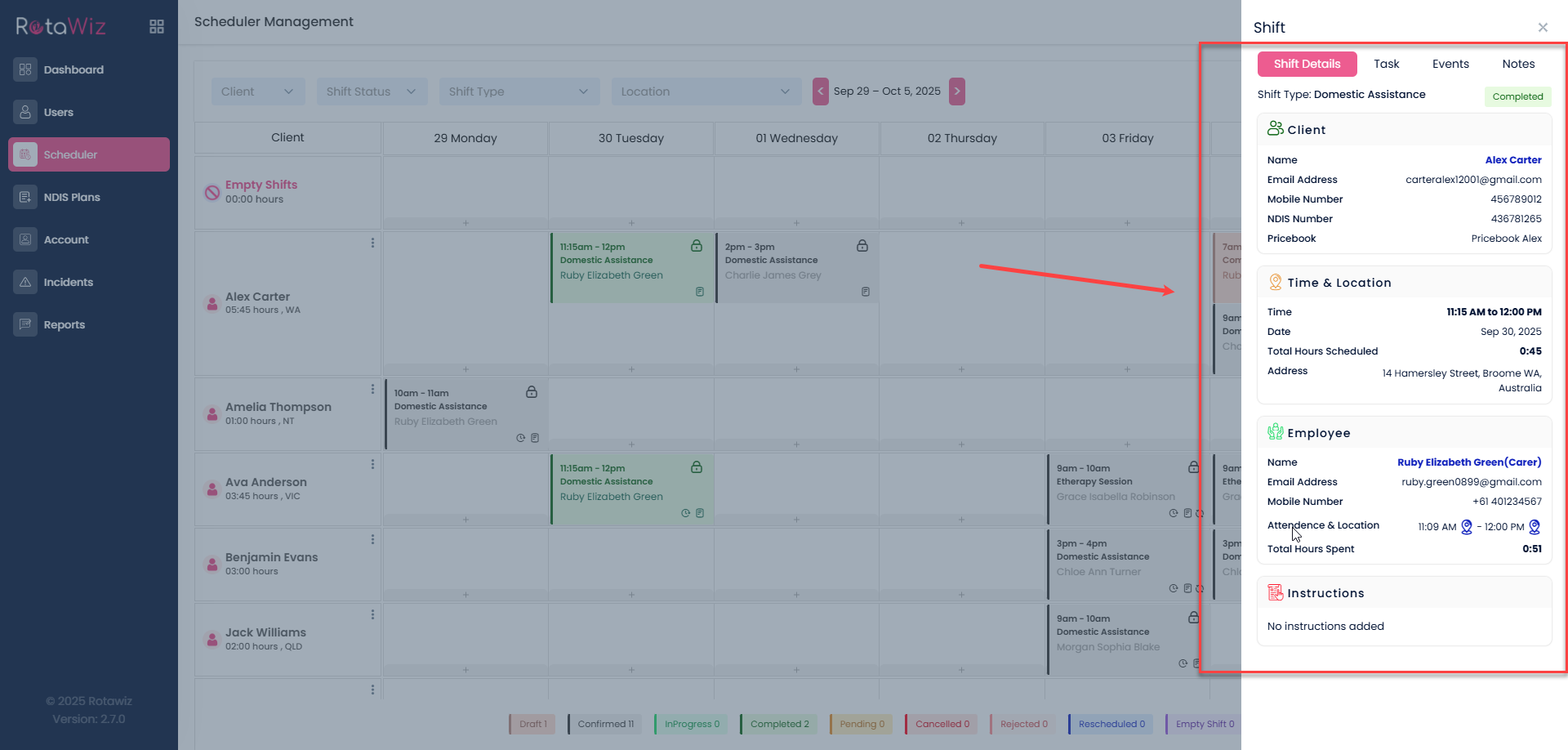
How to Access a Shift’s Full View
Go to the scheduler section
From the Side Navigation Menu, navigate to scheduler

Locate the shift
Use filters to find the specific shift by:
- Date
- Staff
- Client
- Status
- Shift Type
- Location
Click on the shift

This will open the shift’s full view on your screen.
Where you can view the details of shift
Here’s what you can typically see inside the shift’s full view: